
OperateRecovery
Diagnose common problems
Resolve common setup, deployment, and connection problems using LiveHQ’s status messages and diagnostics.
Prepare Mac stops on a step
| Message | Action |
|---|---|
| Docker Desktop is not installed | Install Docker Desktop from Docker, open it, then retry Prepare Mac. |
| Docker engine is starting | Keep Docker Desktop open. LiveHQ waits automatically before asking you to retry. |
| Open Login Items | macOS requires approval for the signed background item. Approve LiveHQ, return, then choose Try again. |
| Enroll Mac needs attention | Keep LiveHQ open and choose Try again. Exact enrollment intent is replay-safe. |
Runtime and edge states
| State | Meaning |
|---|---|
| Runtime starting | The signed agent is connecting to Docker Desktop and restoring local inventory. |
| Runtime stopped | Docker Desktop is stopped or runtime recovery exhausted its bounded retry. |
| Edge idle | Healthy when no current public application requires a route. |
| Edge reconnecting | Existing public routes are being restored after launch, network return, or update. |
| Edge needs attention | Local apps remain inspectable; retry the route connection or collect diagnostics. |
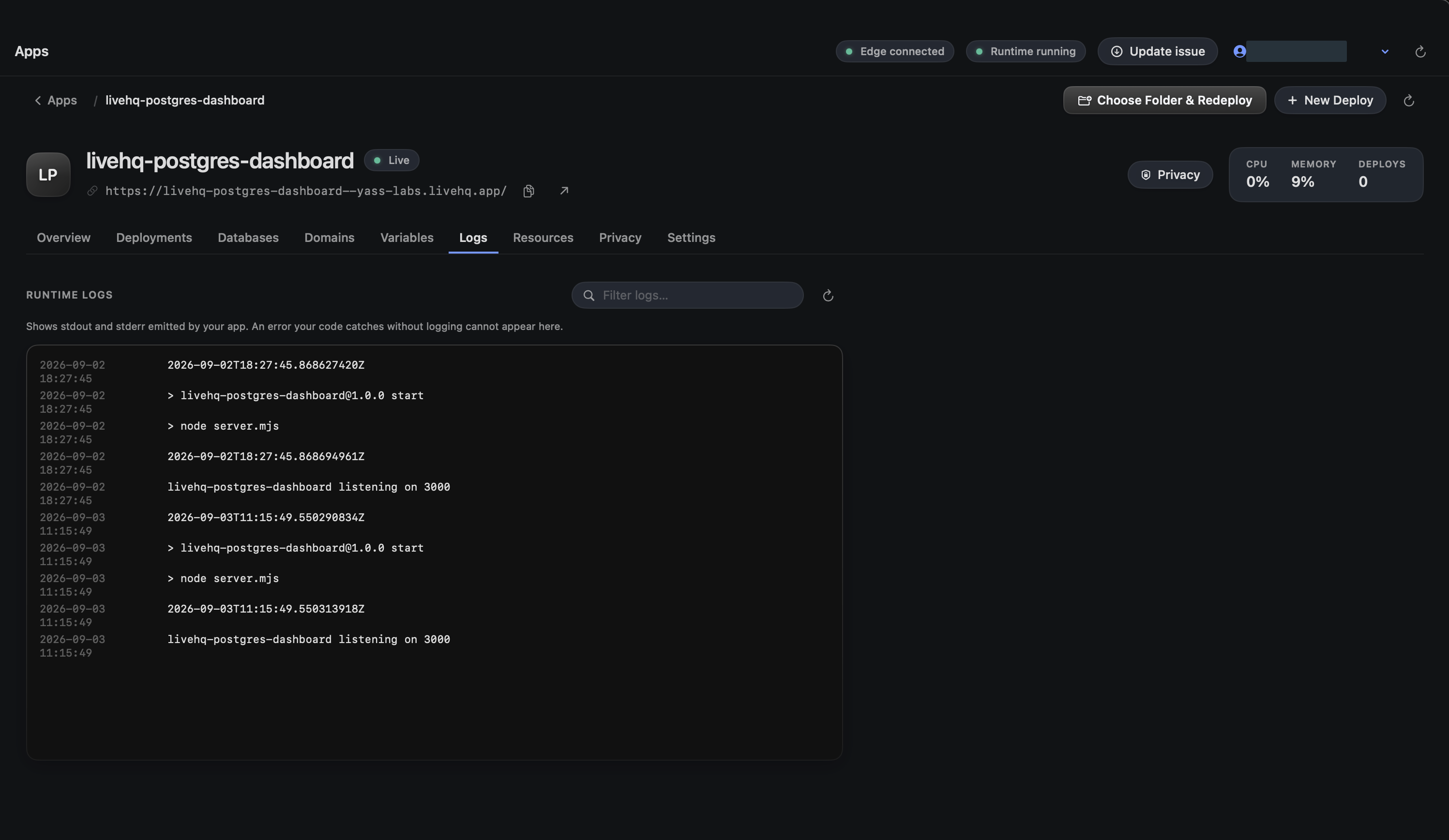
An app is Failed or Unknown
- Open the app and read the exact current issue before retrying.
- If there is no successful active release, choose Source & Redeploy rather than Start.
- If a prior release is still Live, inspect the failed candidate logs without deleting the healthy release.
- Use Delete only after reviewing database attachments, custom domains, privacy, and route impact.
Choose a detail to zoom in, or enlarge the full screenshot.
An update check fails
Confirm the Mac can reach releases.livehq.dev and try again later. LiveHQ fails closed when a feed is missing, malformed, unreachable, or incorrectly signed.
Do not download an unverified archive from a different host and do not bypass Gatekeeper. A missing update feed never affects running containers or databases.
Collect support evidence
Copy the visible support code
Use the code displayed beside the failing recovery step. It is bounded and intended for LiveHQ support.
Open Settings → Advanced diagnostics
Collect a snapshot of helper, runtime, profile, Docker, and route state only when the normal message is insufficient.
Never send credentials
Do not include passwords, access tokens, refresh tokens, private signing keys, database URLs, presigned URLs, or secret values.